
Bento Design System
From fragmented libraries to a scalable design system
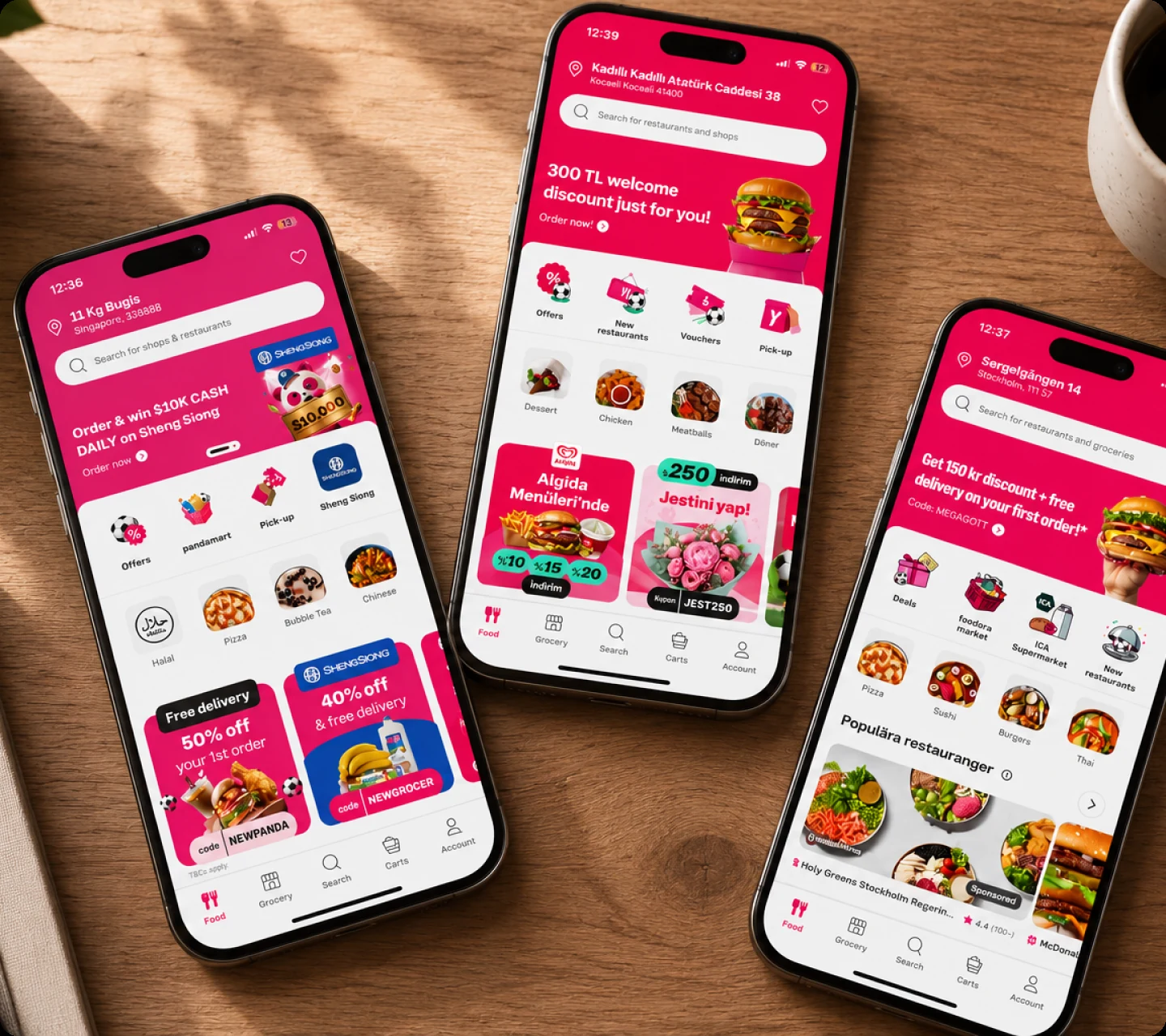
What started as a Sketch-to-Figma migration became a chance to rethink Bento’s architecture, ownership, and consumption model.
The Problem
As product teams scaled across brands and platforms, design decisions became harder to keep consistent. The challenge was not only maintaining visual consistency, but creating a system that helped designers and engineers make better decisions faster.
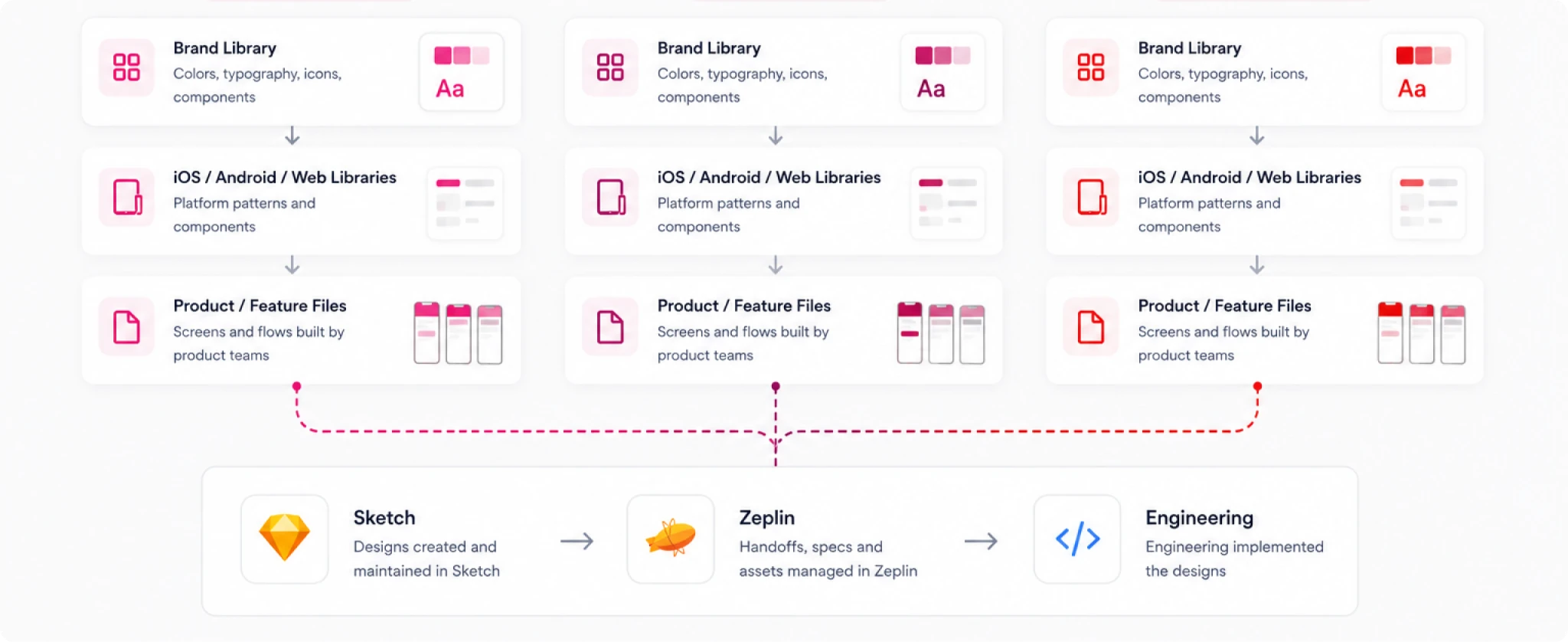
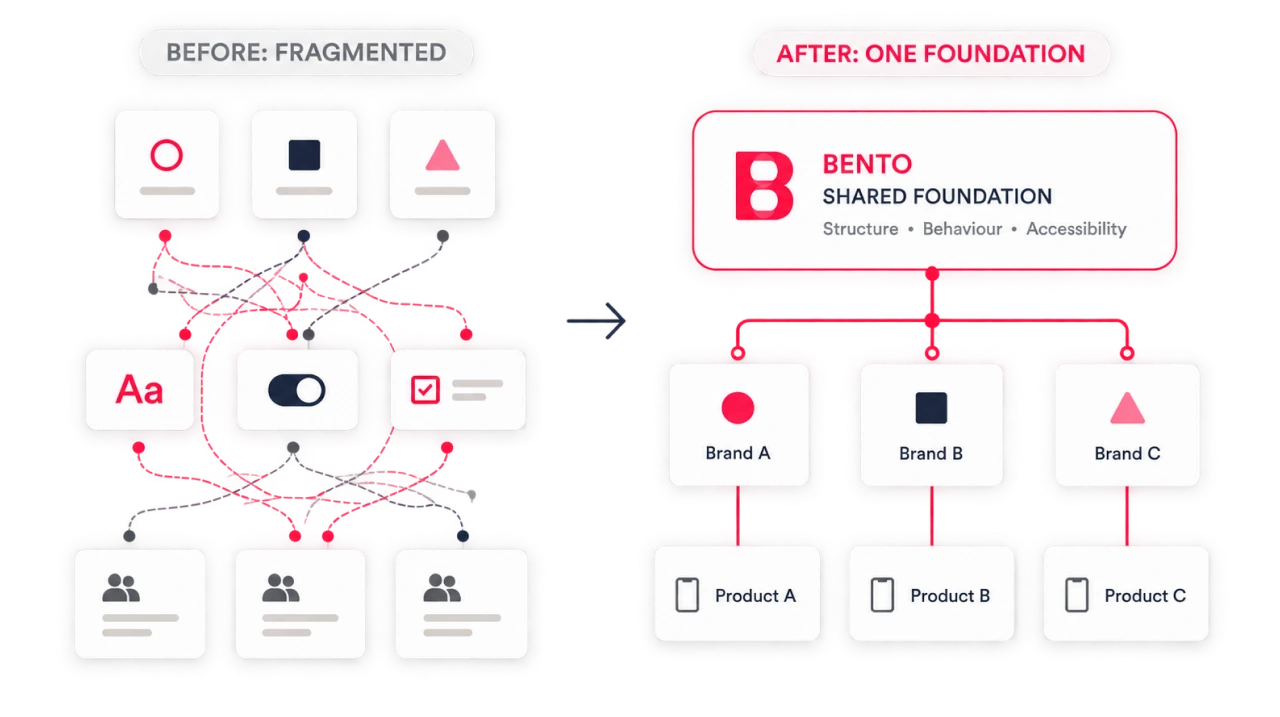
Bento already existed, but its structure reflected how the organisation had grown. Brand, platform, and product decisions were distributed across multiple libraries and working files, making the system increasingly difficult to maintain and evolve.
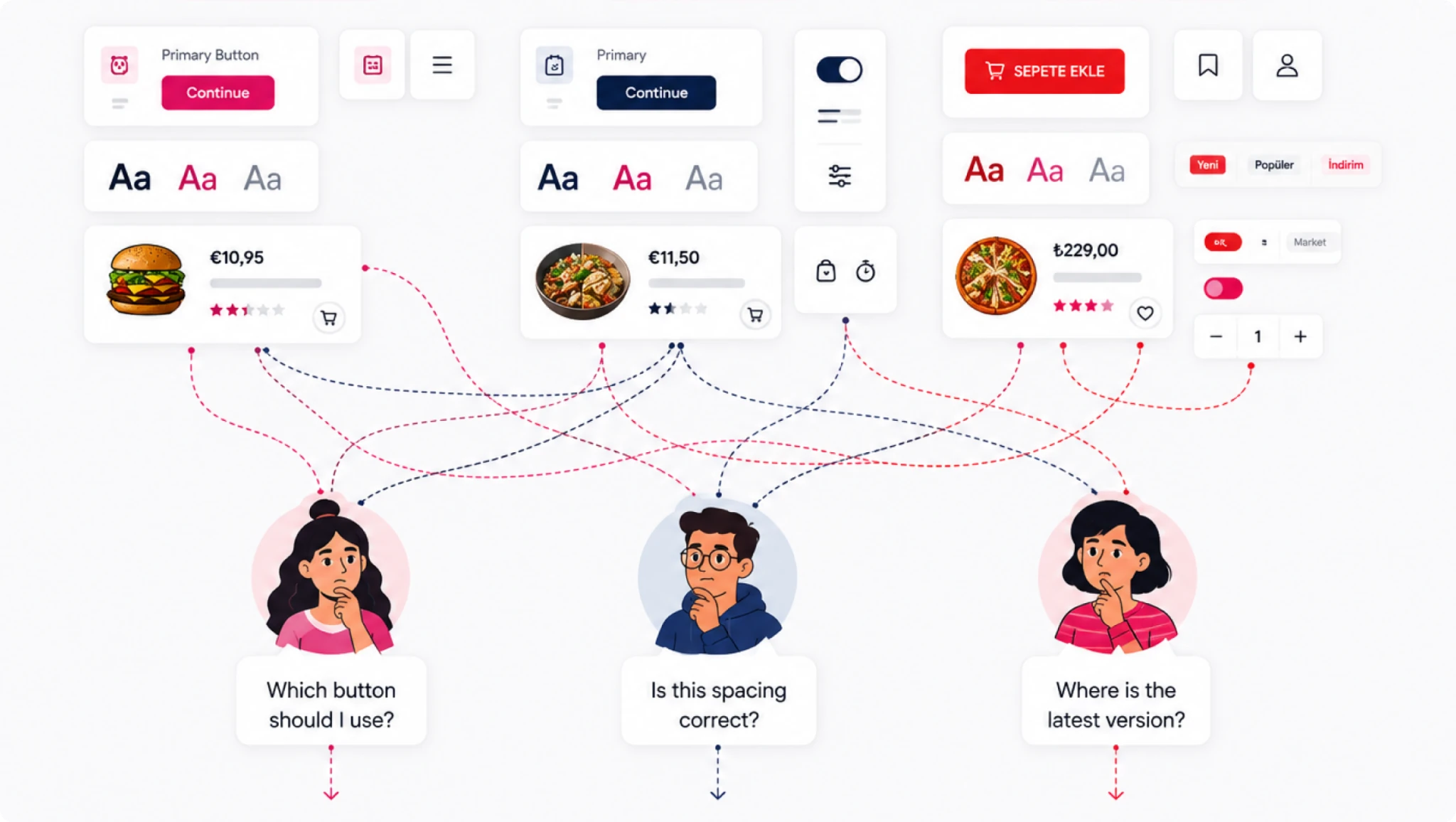
“The migration question became an architecture question: not ‘How do we move the files?’ but ‘How should the system work?’”
The Migration Exposed a Bigger Problem
Migrating from Sketch to Figma initially looked like a tooling project.
But recreating the same libraries in a new tool would also recreate many of the same dependencies, duplicated patterns, and maintenance problems. The migration gave us an opportunity to look at Bento differently.
Audit Before Migration
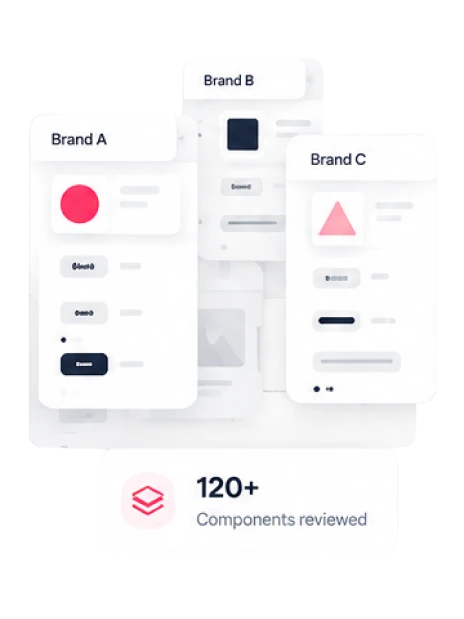
Before rebuilding anything, we compared existing components and patterns across brands and platforms to separate meaningful differences from duplication and legacy decisions.
— KEEP
Patterns already working consistently.

— COMBINE
Different components solving the same problem.

— REBUILD
Patterns that needed a clearer structure.

— LEAVE BEHIND
Deprecated, duplicated or unused patterns.

Aligning the system around shared decisions
Reworking the architecture wasn't only a library exercise. Changes to Bento affected designers, engineers, brand teams, and product squads across multiple platforms. The migration created an opportunity to align those groups around what should be shared, what should remain brand-specific, and how teams would consume the system.
01 — AUDIT
Compared existing patterns, components, and dependencies across libraries.
02 — ALIGN
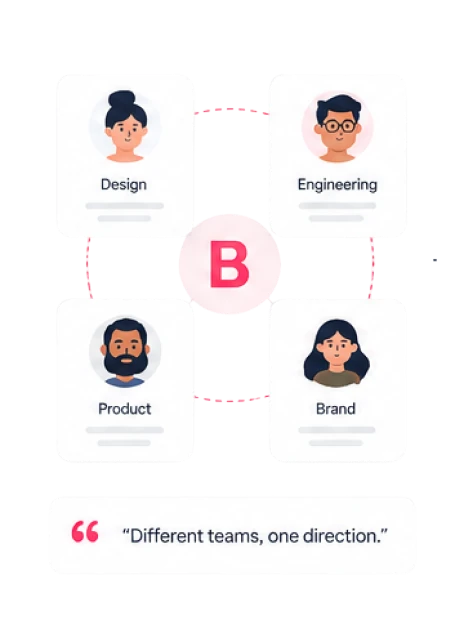
Worked across design, engineering, product, and brand stakeholders to identify shared needs and constraints.
03 — DEFINE
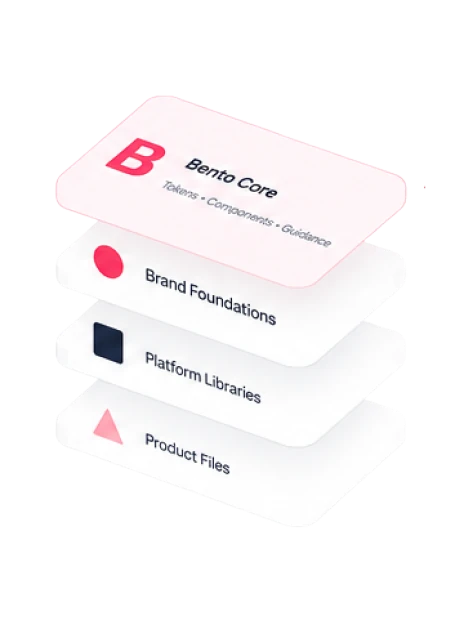
Established clearer boundaries between Bento Core, brand foundations, platform libraries, and product files.
04 — VALIDATE
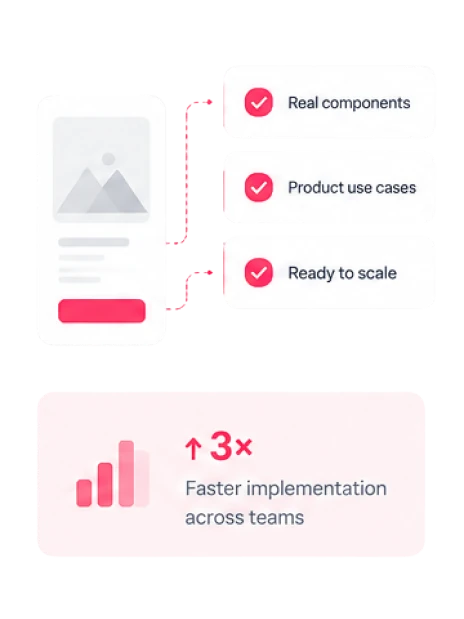
Tested the model against real components and product use cases before scaling it further.
Rebuilding the Architecture
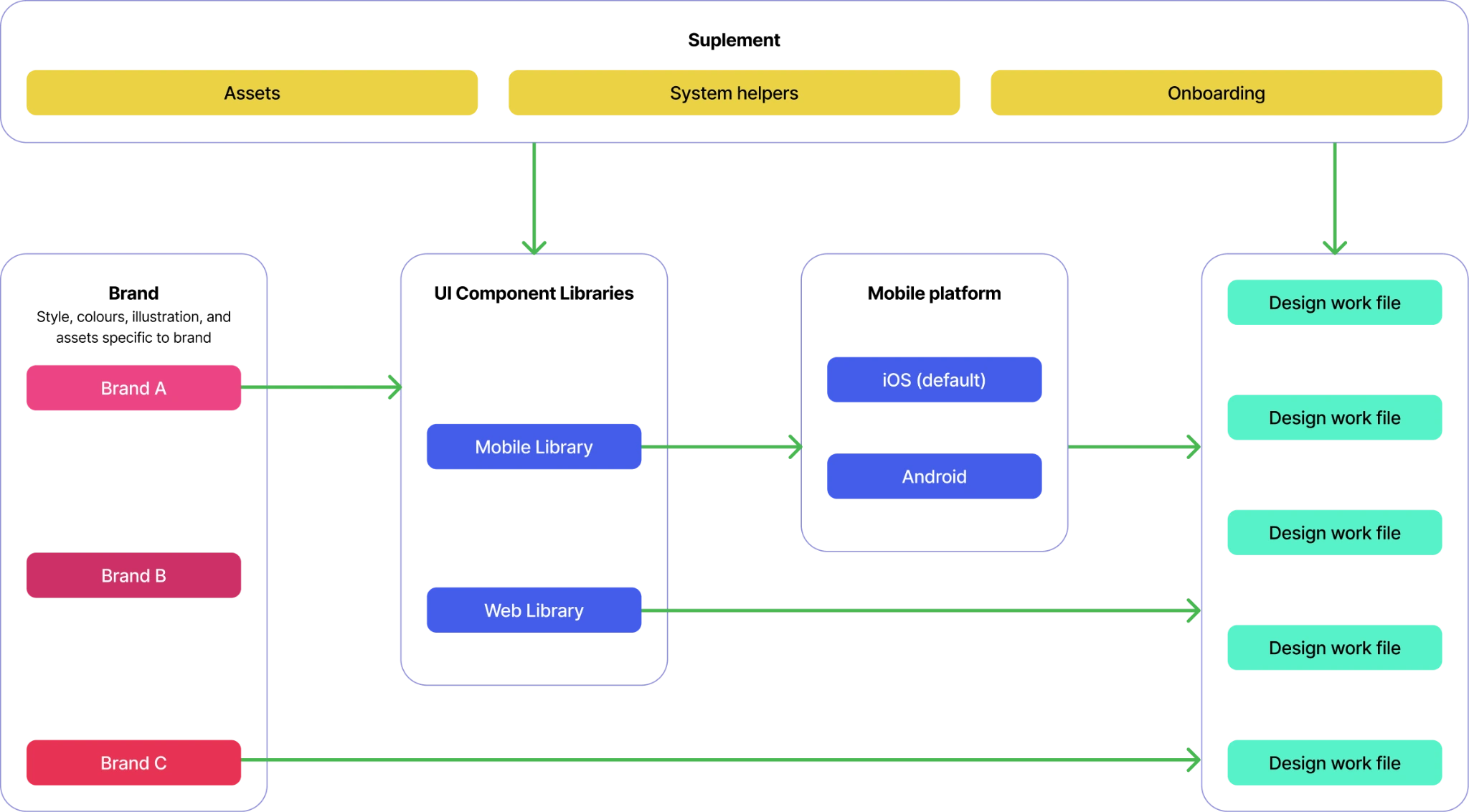
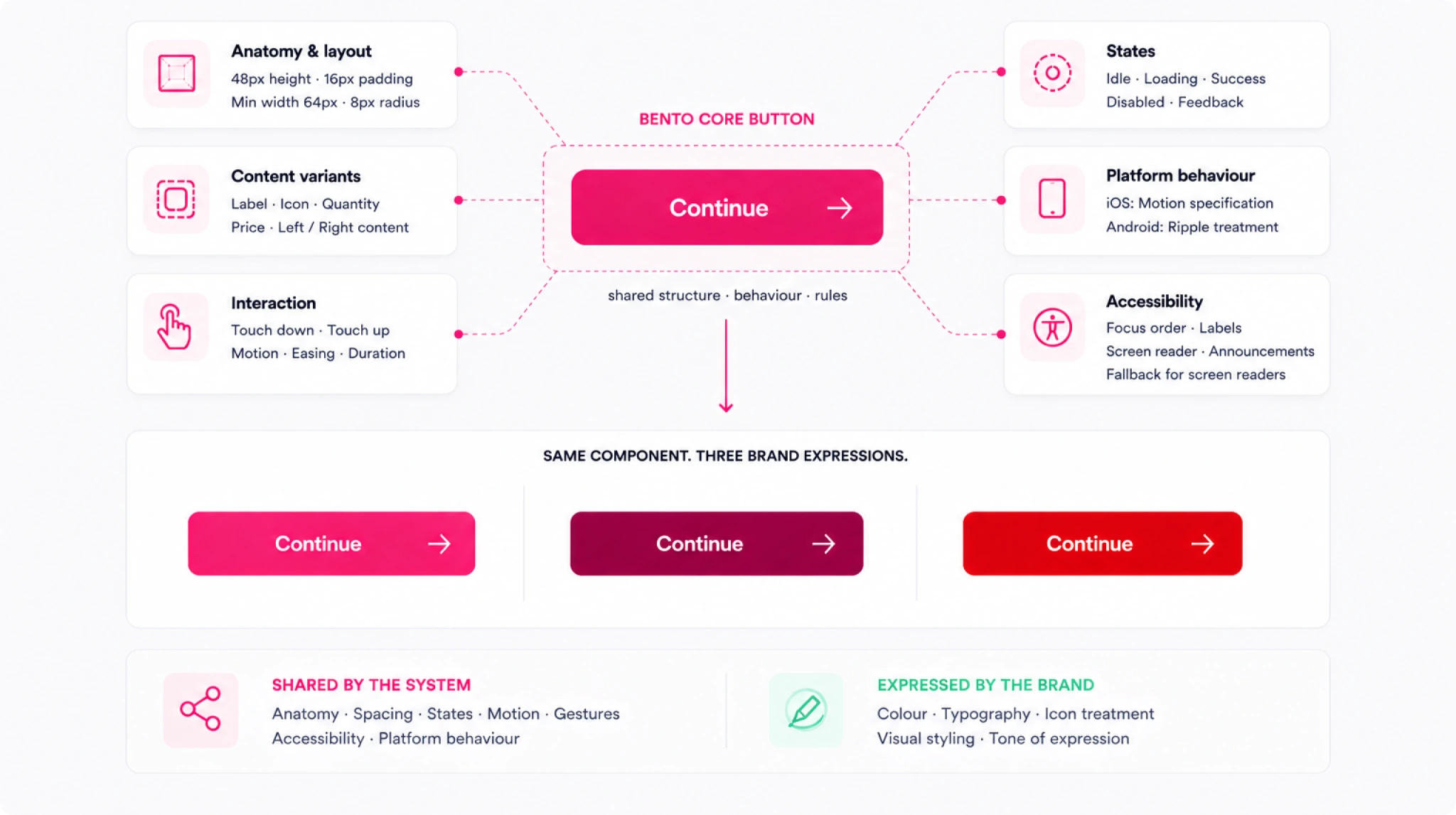
Those conversations established a clearer principle for Bento: share the behaviours and structures that should remain consistent, while separating the decisions that genuinely belonged to brands and platforms.
One Foundation.
Multiple Expressions.
At component level, shared anatomy, behaviour, states and accessibility could remain consistent while brand foundations controlled visual expression.
OUTCOME
The migration became more than a move from Sketch to Figma. It created clearer boundaries between shared system behaviour, brand expression, and product implementation.
“The result wasn't simply a cleaner Figma setup. It was a clearer model for how teams could build, contribute, and make decisions within Bento.”